
Help Managing your world
Languages
BedrockRelay speaks English, Deutsch, Español, Français, 日本語, Polski, Português (Brasil), Русский and 简体中文.
The dashboard
The dashboard follows your browser's language. To change it, pick another from the language menu at the top of the page.
What the bot writes in Discord
Each Discord server chooses the language BedrockRelay writes in there, on its Settings tab in the dashboard, under Language in Discord. It covers joins, leaves, deaths, connection notices and the bot's answers to commands.
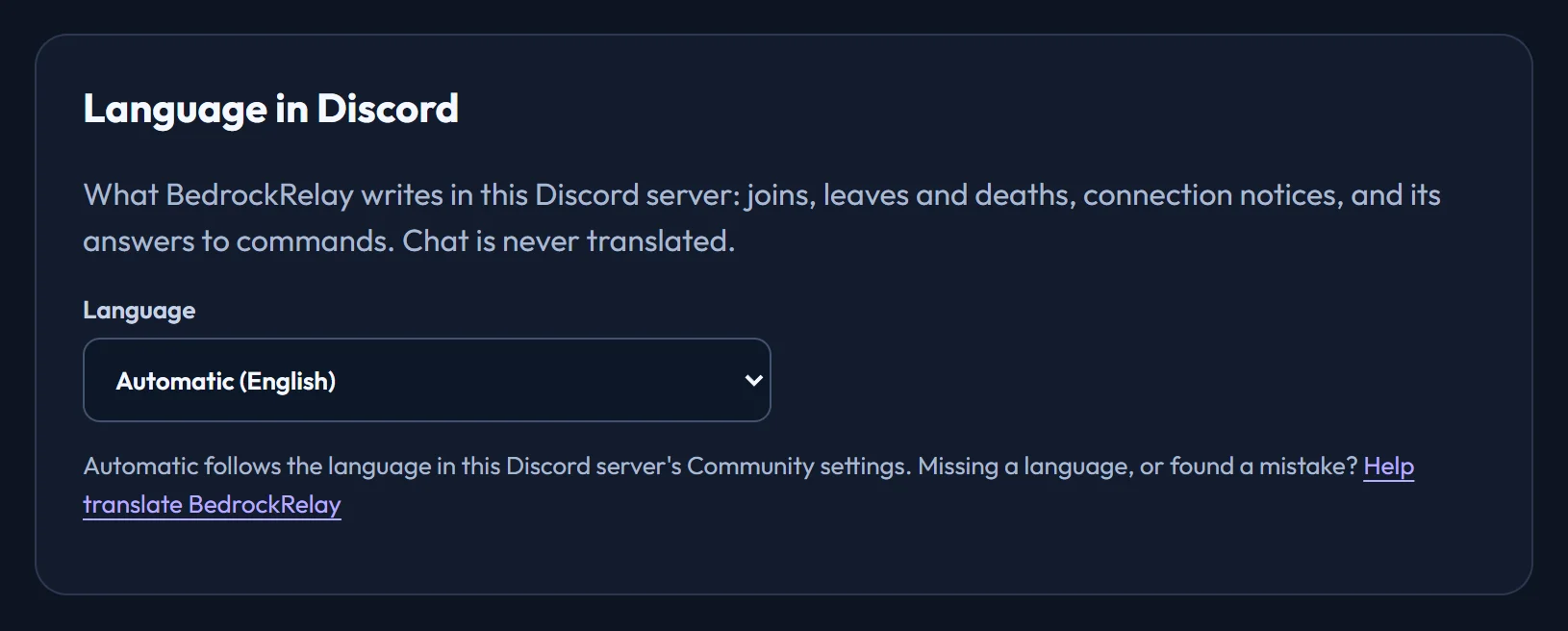
- Automatic follows the language in the Discord server's Community settings.
- Chat is never translated. People's messages arrive as they wrote them.
- Slash command descriptions appear in each member's own Discord language.
Helping with translations
Most languages were machine translated to begin with, and the dashboard says so. They're improved by the people who use them: every language is a file in the BedrockRelay translations repository, where you can fix a mistake or add a language.
Ready to connect a world, or need to change something?
Open the dashboard