
Help Getting started
How BedrockRelay works
What it does, what you need, and the one thing to know before you start.
What it does
BedrockRelay connects a Minecraft world to your Discord channels. Chat, joins, leaves and deaths from Minecraft appear in Discord, and what people say in Discord appears in Minecraft chat.
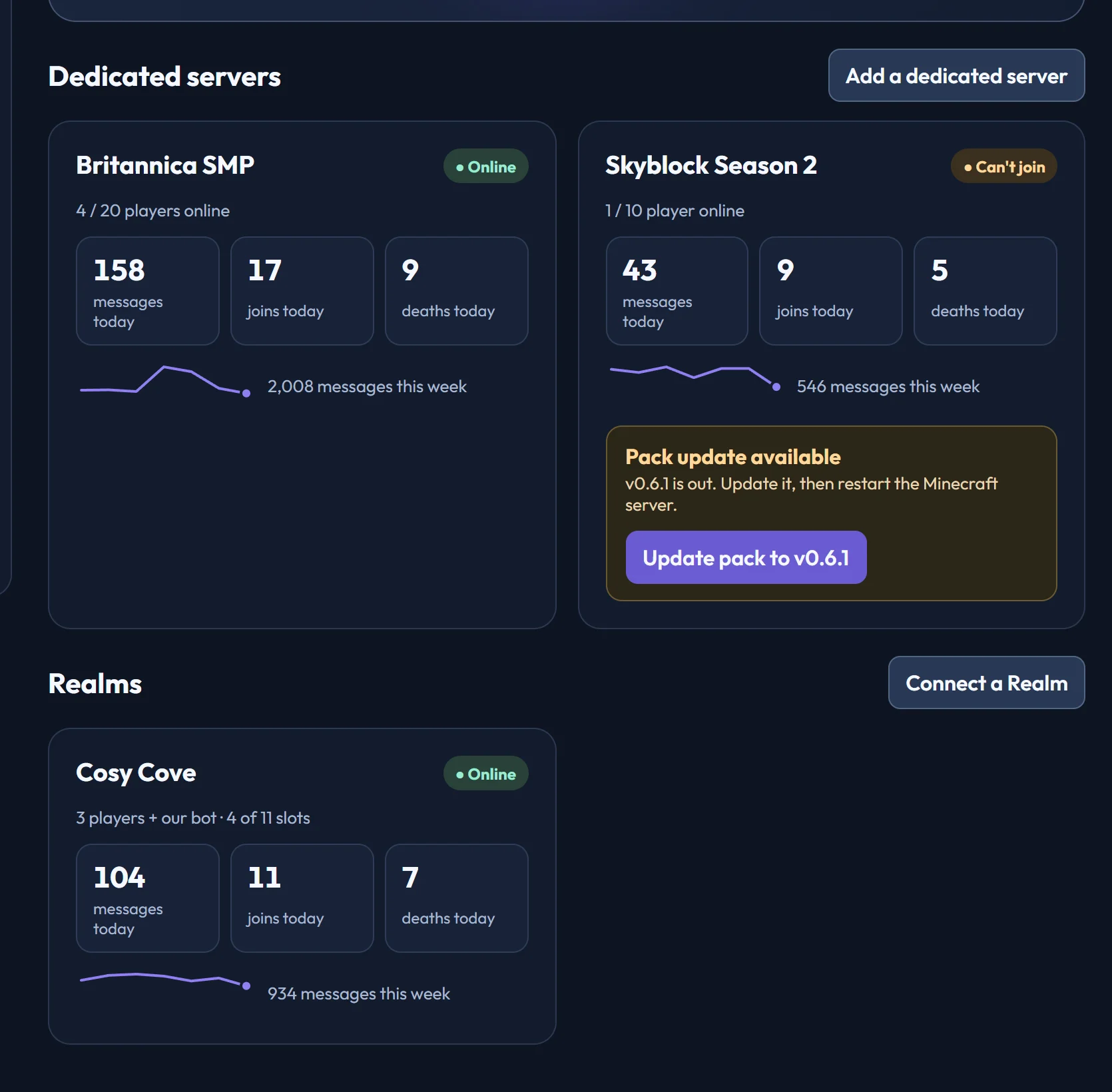
It has two parts:
- A small behaviour pack in your Minecraft world. It reports what happens in the game and carries out instructions, such as showing a Discord message.
- The BedrockRelay service, which does everything else: it decides which channels hear what, formats the messages and talks to Discord.
You manage it all from the dashboard, which you sign in to with Discord. There's no bot token to create and nothing to copy and paste.
One Minecraft world can post to as many channels as you like, across as many Discord servers as you like, and each channel chooses what it hears. Beyond chat, you can add:
- Commands from Discord, such as changing the weather with
/relay run. - Plugins that add Discord commands like
/lastdeathand/top, and live leaderboards. - Proximity voice, which puts players near each other in Minecraft into the same Discord voice room.
- Player tools: everyone who has played, their inventory and health, and kicking.
What you need
A Discord server where you have Manage Server permission, so you can add the bot. Then one of these:
- A Bedrock Dedicated Server, on your own machine or a VPS, or rented from a host that runs the official Bedrock server software. For a dedicated server you also need:
- SFTP access to it, which your host's control panel gives you. It's the easiest route: the installer does everything for you. If you only have a web file manager, you can download the pack and install it by hand instead.
- Beta APIs turned on for the world. The installer can do this for you. See why a dedicated server needs Beta APIs.
- A Minecraft Realm you own, and the Microsoft account that owns it. Nothing else: a Realm doesn't need SFTP or Beta APIs.
Worlds hosted from a console or phone can't be connected.
Why a dedicated server needs Beta APIs
Reading chat is still an experimental Minecraft feature, so on a dedicated server it only works with the world's Beta APIs experiment turned on. Without it the pack would load but couldn't see what anyone says, so BedrockRelay won't install on a world without it.
Turning on any experiment permanently disables achievements for that world. That's Minecraft's rule, not ours, and turning the experiment off later doesn't bring them back.
The installer shows this before it changes anything, and asks you to agree.
Realms are different: our bot reads chat as a player, so a Realm doesn't need Beta APIs and keeps its achievements. See Connecting a Realm.
Ready?
Setting up a dedicated server or connecting a Realm takes about five minutes and walks you through one step at a time.
Ready to connect a world, or need to change something?
Open the dashboard